Products · Agents and infrastructure
Tunnel
Self-hosted tunnels that put a local service on a public address, with a personal token for every user.
Overview
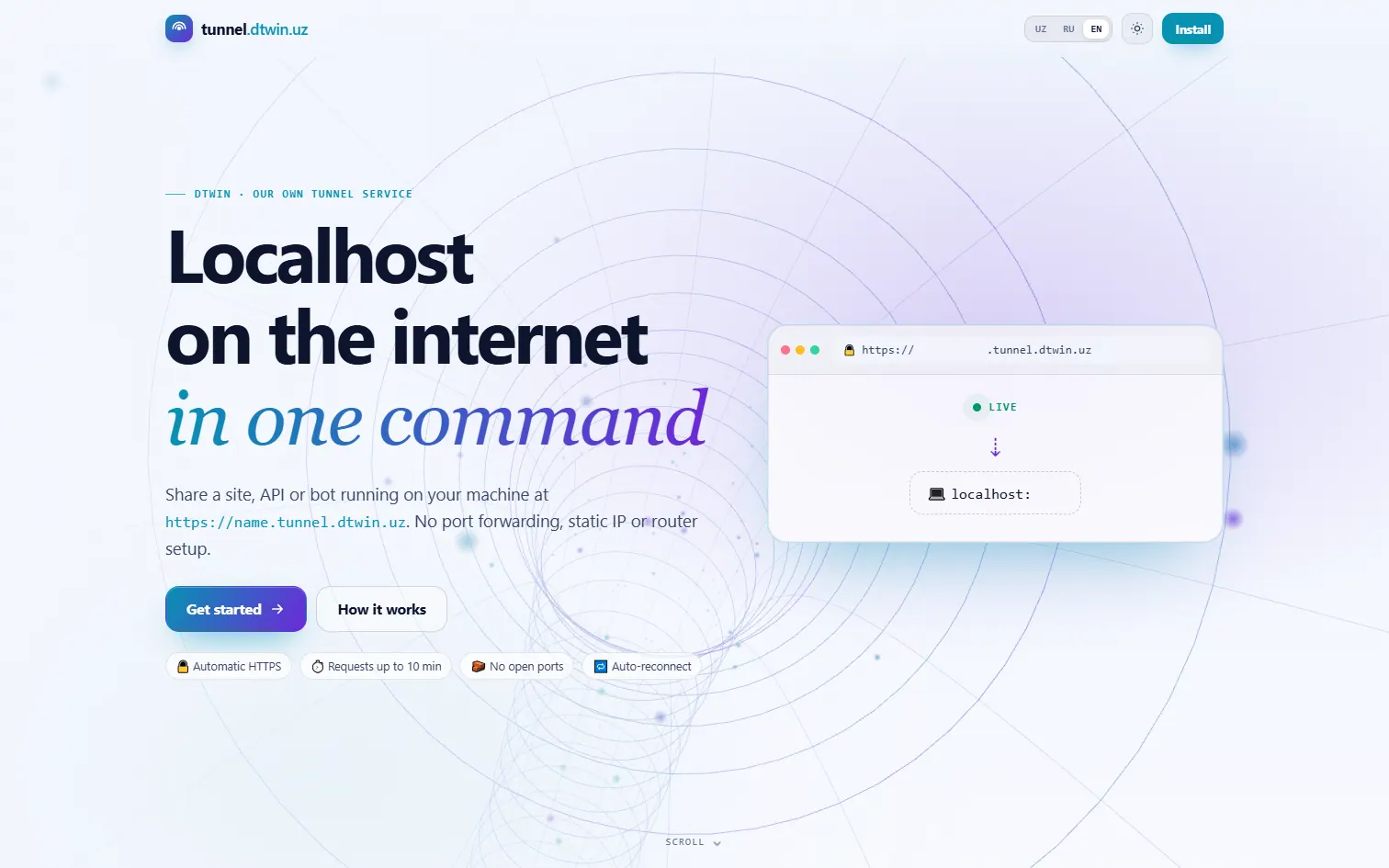
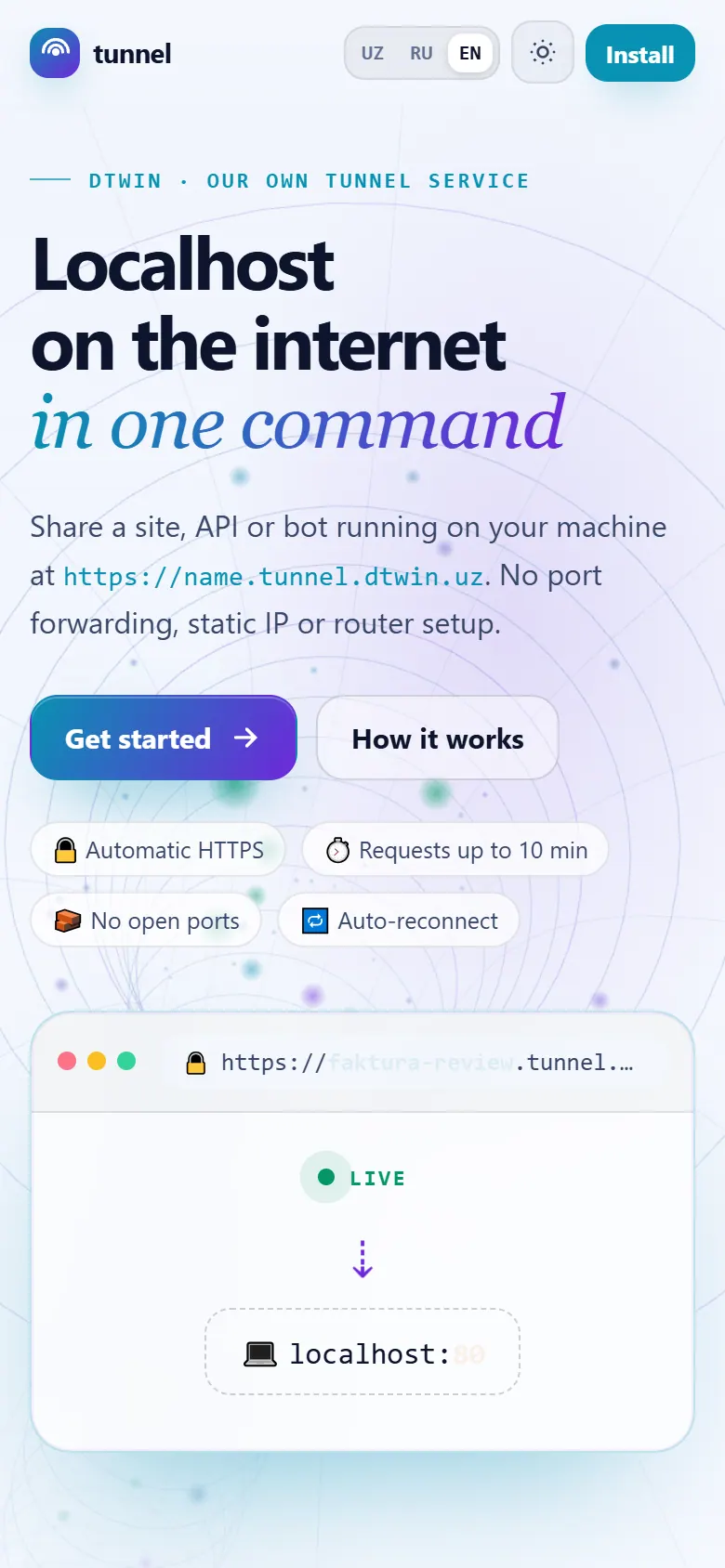
Tunnel publishes a service running on your machine at https://<name>.tunnel.dtwin.uz, on infrastructure we run ourselves. Every user connects with a personal token that owns their subdomains, and any tunnel can be locked with a password or an IP allow-list. It is built on frp, with one-line installers for Windows, Linux and macOS.
What it does
-
Personal tokens
A connection without a valid token is refused, and each token owns its own subdomain names.
-
Two ways to run
Keep named tunnels running in the background, or open a one-off tunnel to a local port and close it with Ctrl+C.
-
Lock and inspect
Add a password or an IP allow-list, and inspect requests in a local viewer that keeps them only in memory.
How it works
-
Install
A one-line installer sets up the frp client and checks it against a pinned SHA-256.
-
Log in
The client presents your personal token, and the server checks that the subdomain is yours.
-
Certify first
A certificate is issued for the name before the link is shown, so the first visit is already HTTPS.
-
Route traffic
Requests to your name pass through our edge to your machine, with timeouts of up to 600 seconds.
In numbers
- one-line installers: Windows, Linux, macOS
- 3 OS
- dtwinuz/tunnel README
- maximum request timeout
- 600 s
- dtwinuz/tunnel README
Built with
- frp
- Node.js
- Caddy
- Let’s Encrypt
- Go
- PowerShell / Bash
- three.js
Milestones
- Secret TCP tunnels that only a matching client can reach.
- One-off tunnels, a local request inspector and IP allow-lists.
- tunnel.dtwin.uz goes live with personal tokens and an admin panel.
More products
Products-
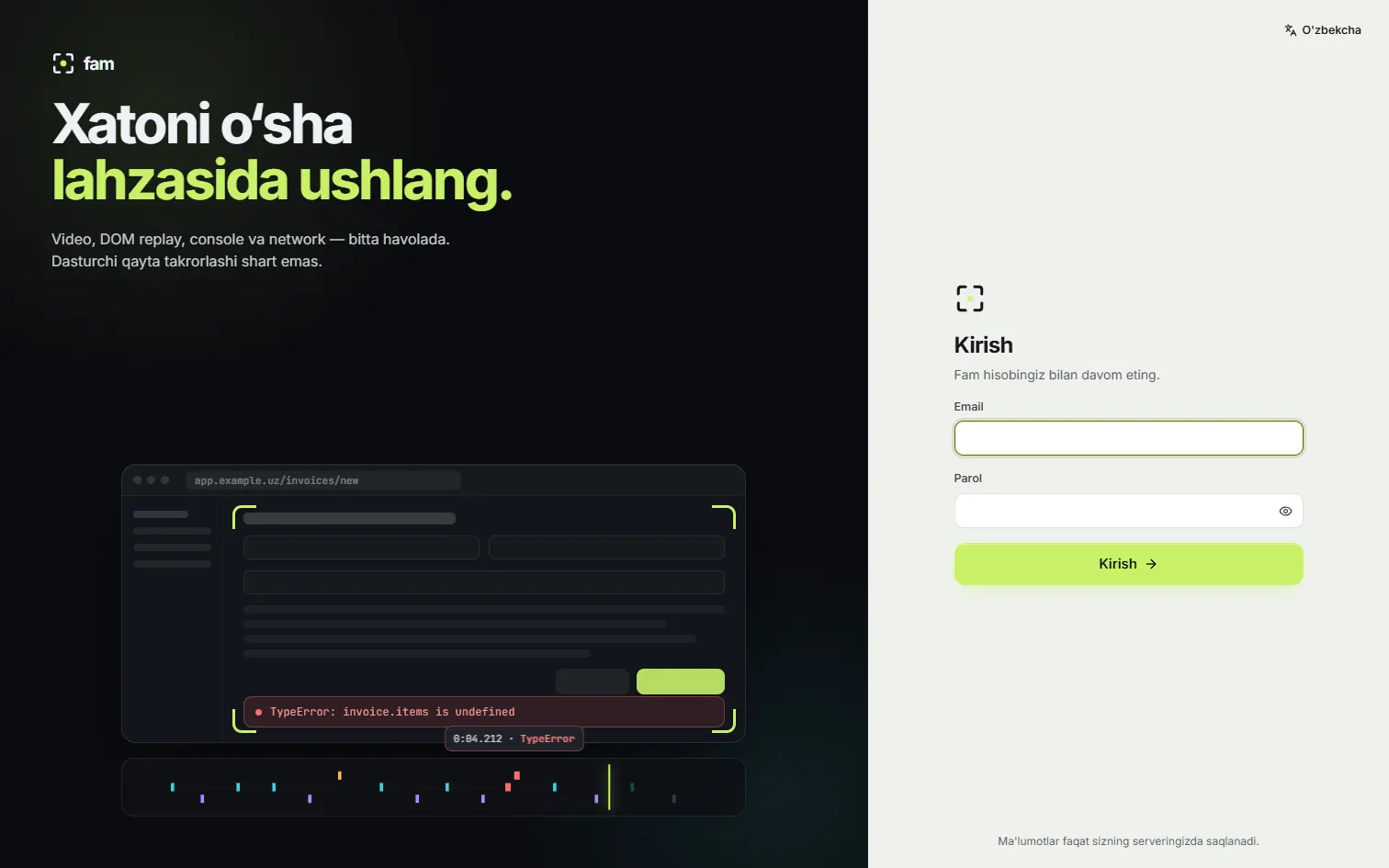 Fam Self-hosted bug reports with session replay, a browser extension and an MCP server, so your agents can read the bug instead of guessing.
-
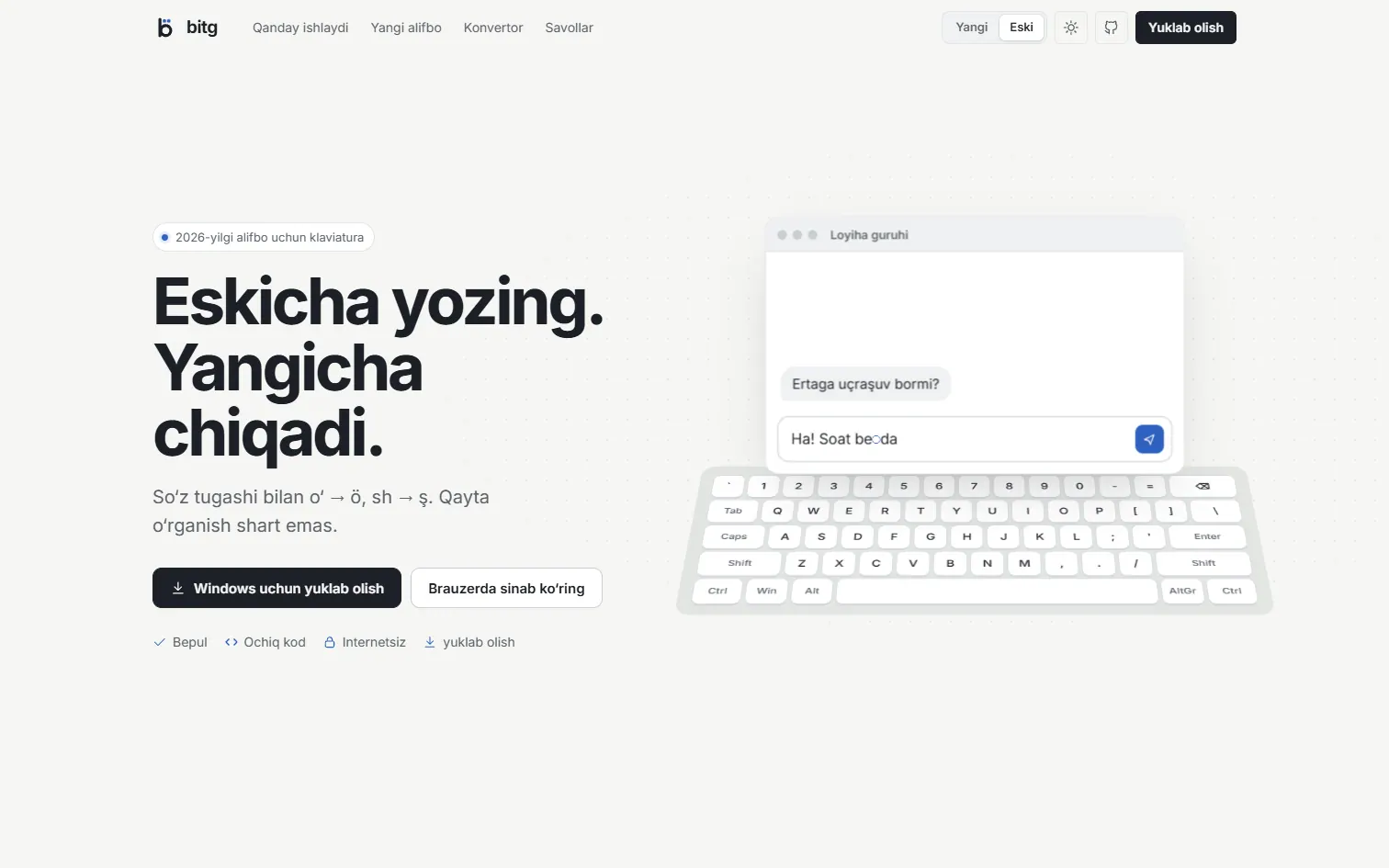 bitg Type Uzbek in the 2026 Latin alphabet in any app, on Windows, Linux and macOS, without breaking English. One Rust core, open source.
-
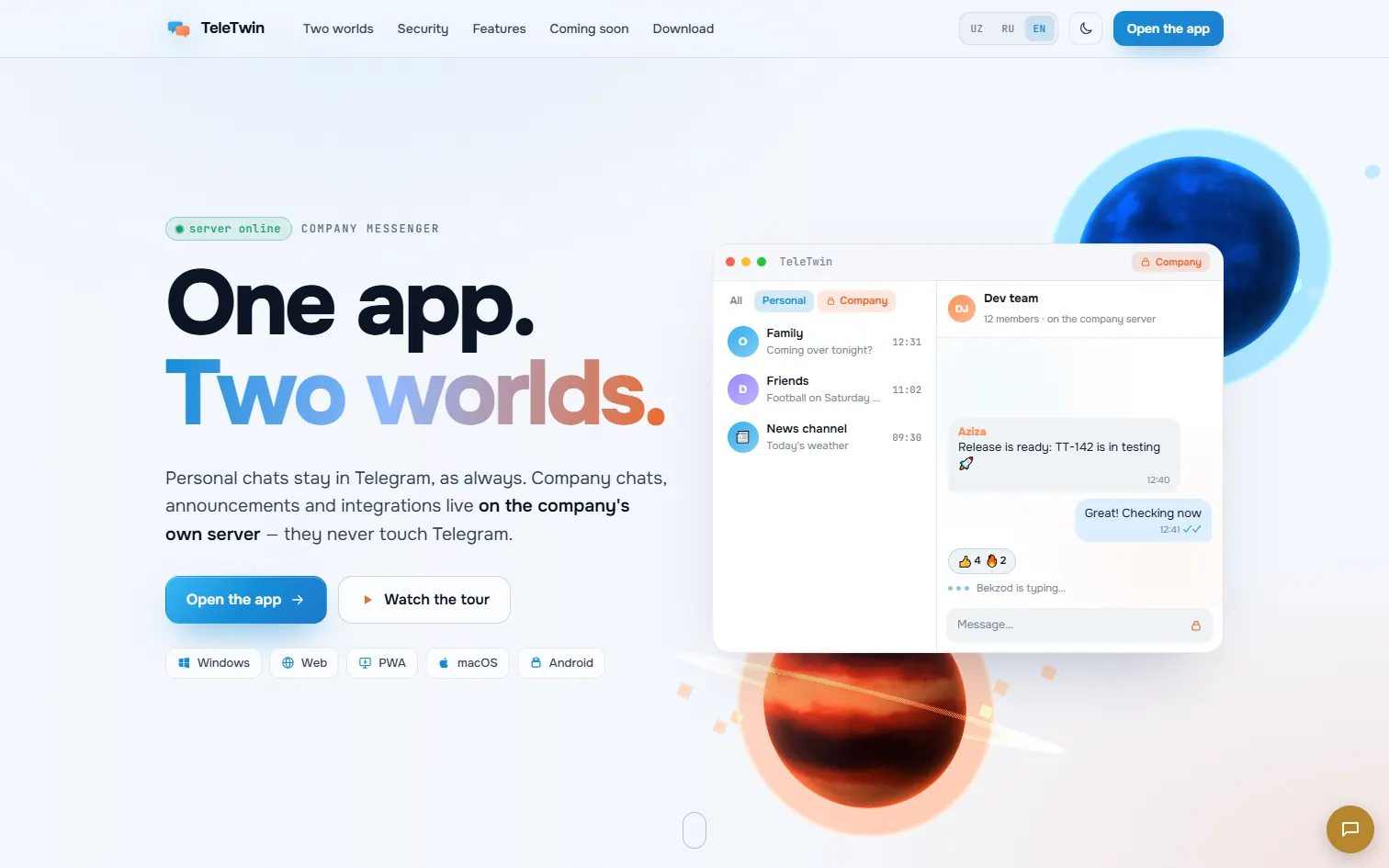 TeleTwin A company layer for Telegram: shared work accounts, roles, and one click to revoke an employee’s access.
Built and supported by Wonmor.