Products · Telegram
TeleTwin
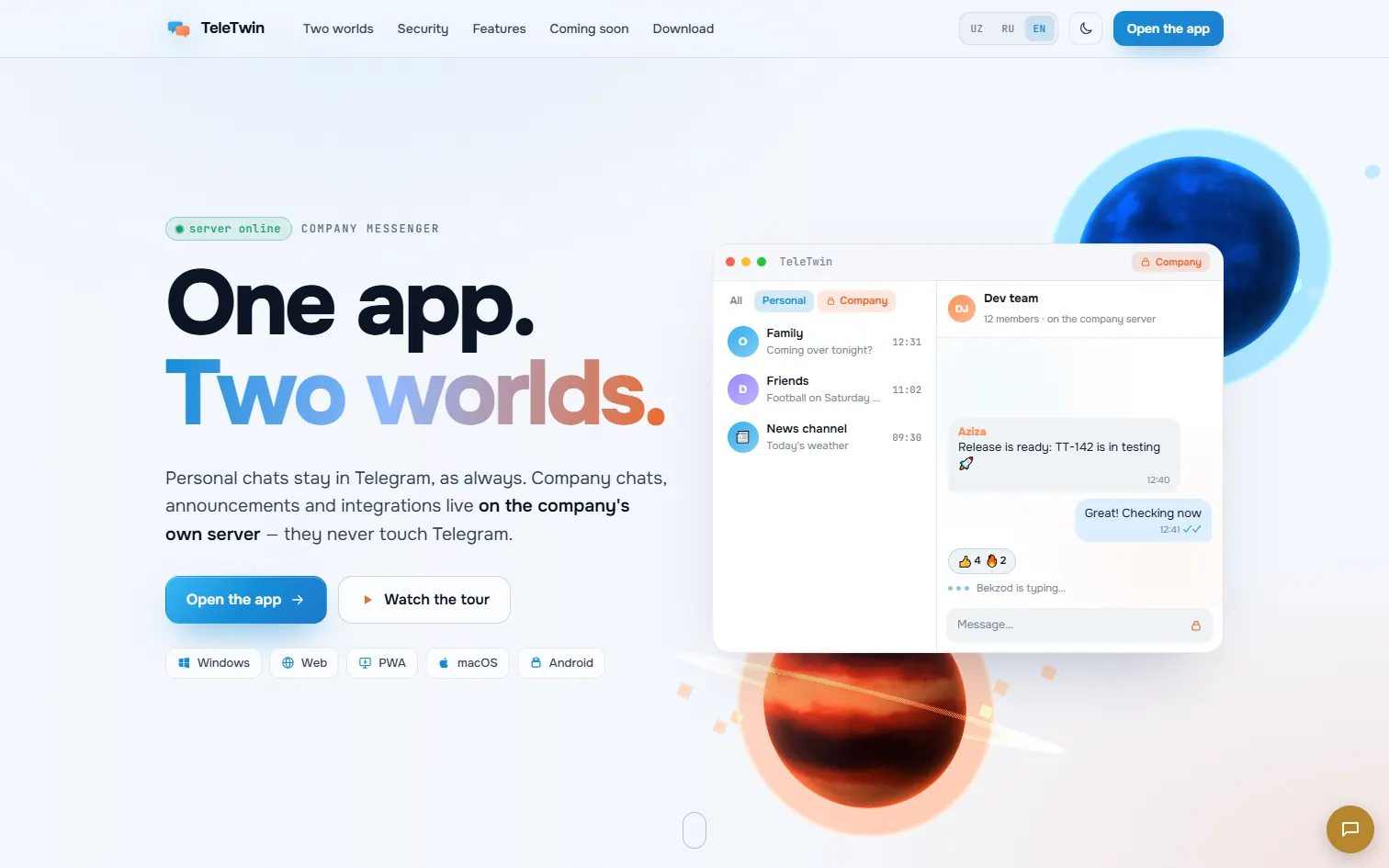
A company layer for Telegram: shared work accounts, roles, and one click to revoke an employee’s access.
Overview
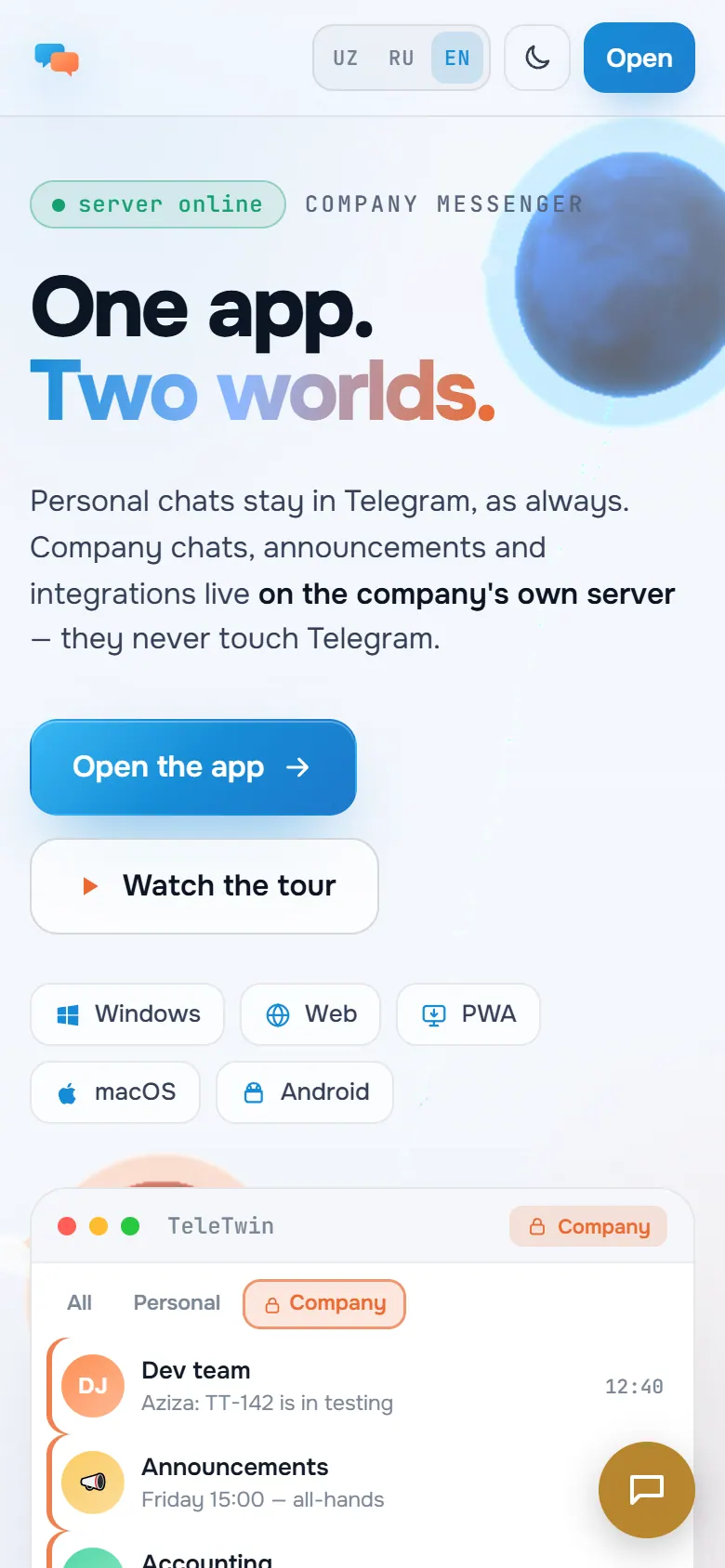
TeleTwin adds a company layer to Telegram: personal chats stay on Telegram, while company chats, channels and announcements live only on the company’s own server. When someone leaves, an admin revokes access once and the company folder disappears from every client in real time. It is built on the open-source Telegram Desktop and Telegram Web A clients; it is not an official Telegram app and is not affiliated with Telegram.
What it does
-
One-click revoke
Revoking an employee ends the company session over a live connection, while their personal Telegram account keeps working.
-
Company data stays home
Company messages and files never pass through Telegram; they are stored on the company’s server, and calls can run on its own LiveKit.
-
Three clients
A Qt desktop app, a web app packaged for desktop with Tauri, and an Android app built with Capacitor, all showing the same company folder.
How it works
-
Two sign-ins
Employees sign in to Telegram as usual and to the company server with a separate account.
-
Separate routing
The client sends company chats to the company API and keeps them out of Telegram’s requests and caches.
-
Real-time sync
SignalR pushes messages, typing, read receipts and membership changes as they happen.
-
Revoke everywhere
When an admin removes access, every client drops the company folder at once.
In numbers
- client apps: desktop, web and Android
- 3
- dtwinuz/teletwin-web README
- latest web and desktop release
- v2.13.1
- dtwinuz/teletwin-web releases
Built with
- .NET 10
- SignalR
- PostgreSQL 17
- C++20 / Qt 6
- TypeScript
- Tauri 2
- Capacitor
- LiveKit
Milestones
- TeleTwin Desktop 0.2.0 for Windows and the 2.13.1 web and desktop release.
- Company calls on LiveKit and an auto-update channel are added.
- Product home page and download page go live.
- Company server in production; the first Windows desktop build passes.
More products
Products-
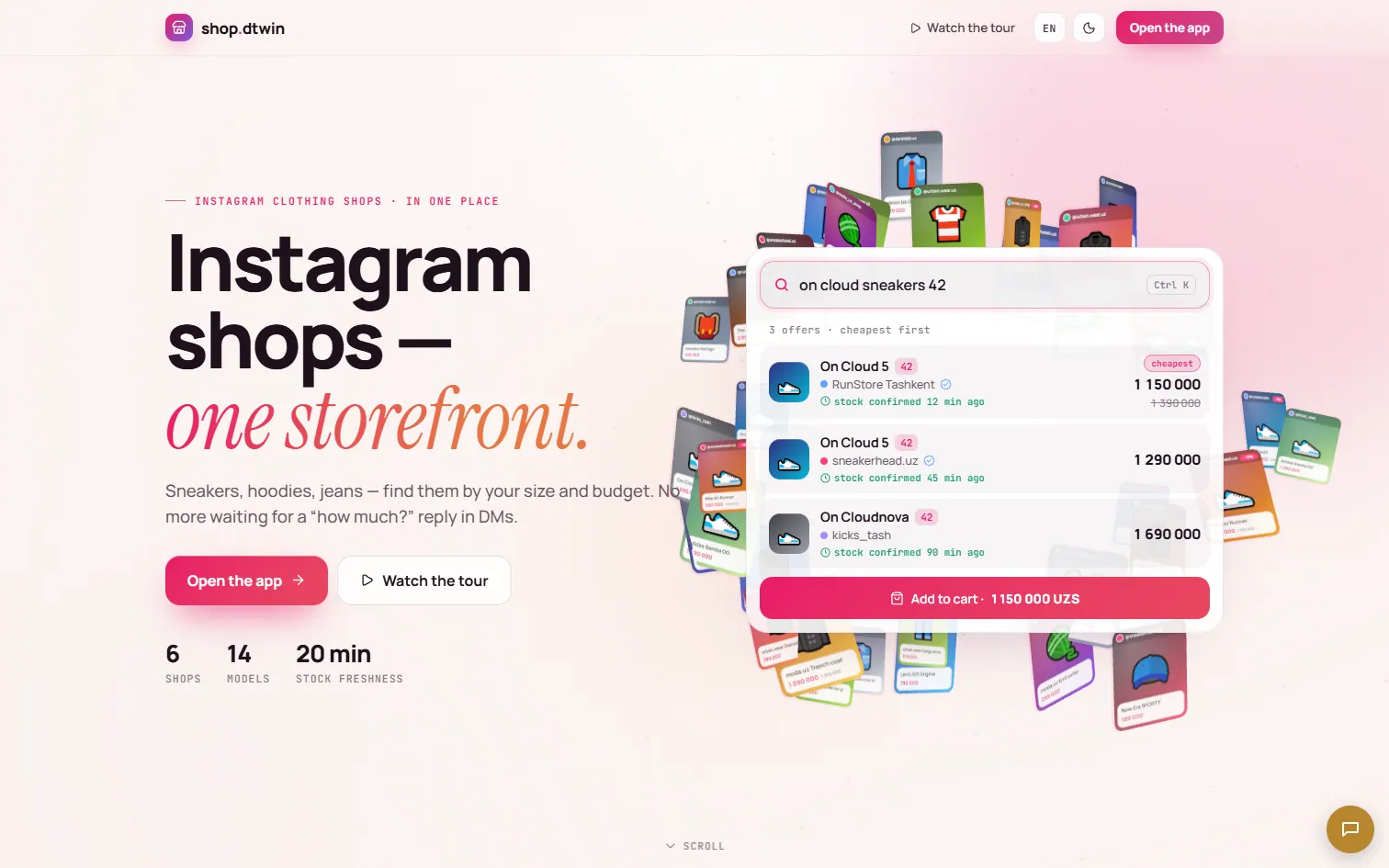 shop An experiment in small-business commerce: a storefront and order flow built on the same stack as the rest of dtwin.
-
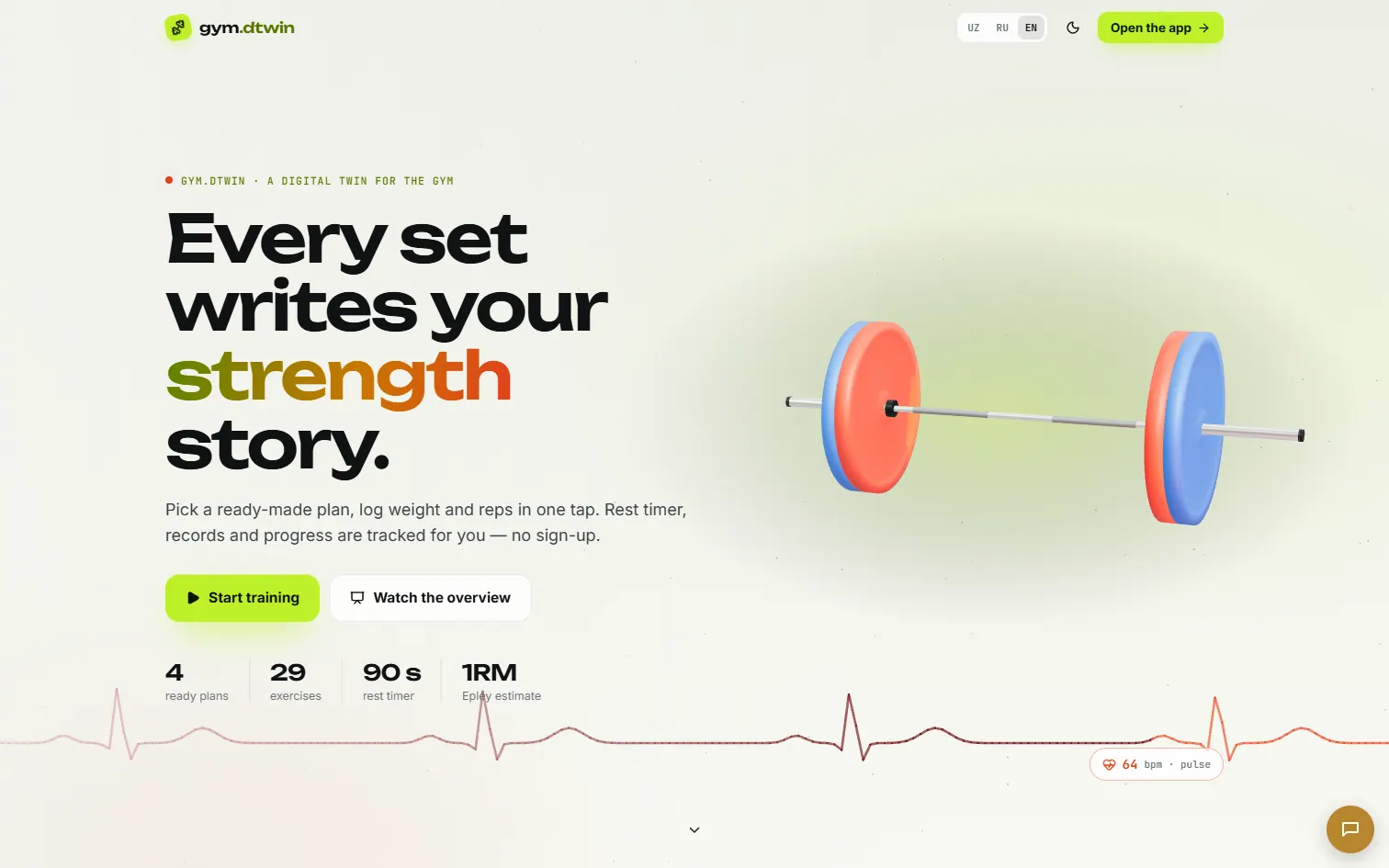 gym An open-source workout diary: a library of exercises, ready-made plans and your progress, with no account needed.
-
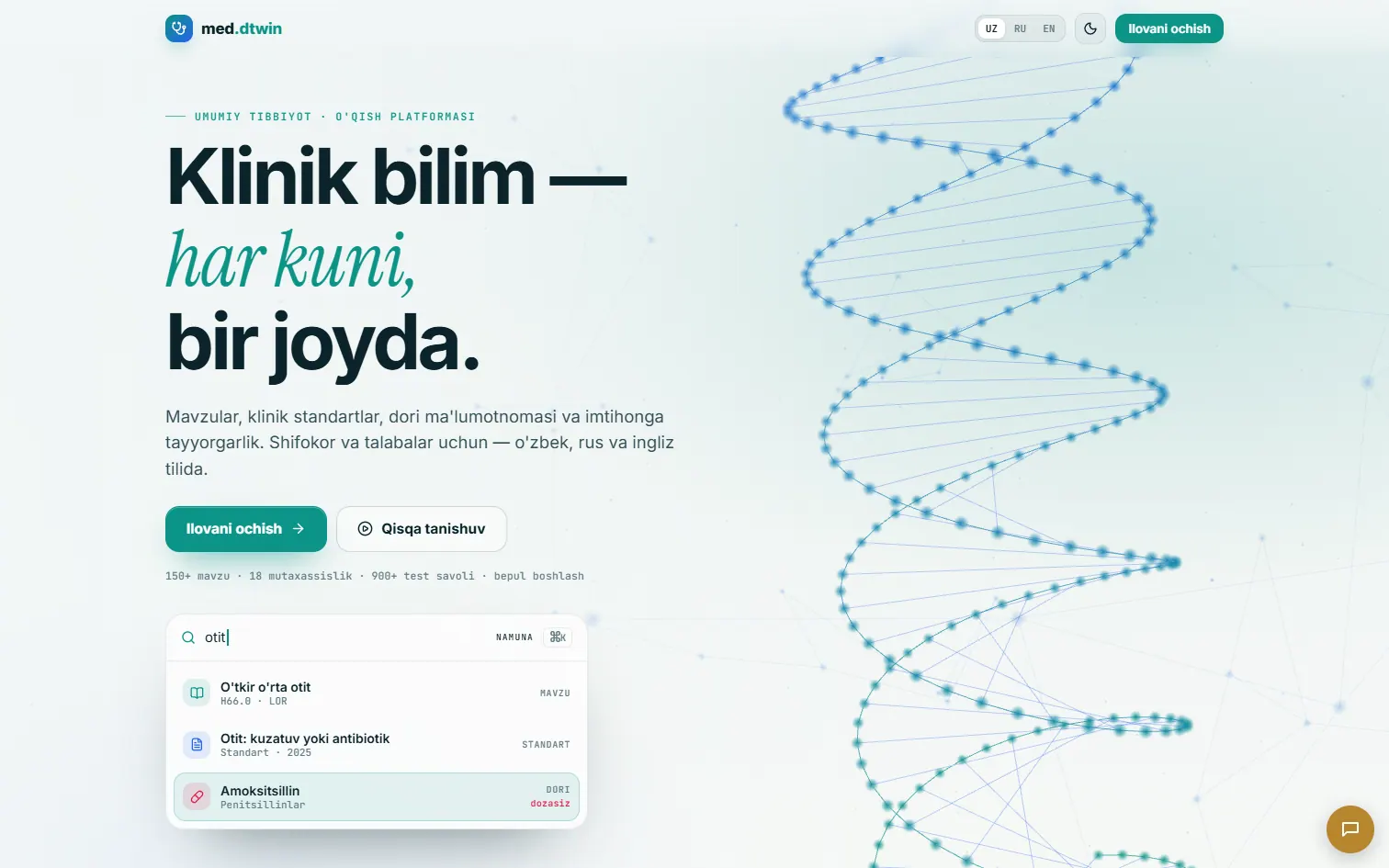 med An experiment in medical learning: structured study material and practice by specialty.
Built and supported by Wonmor.